
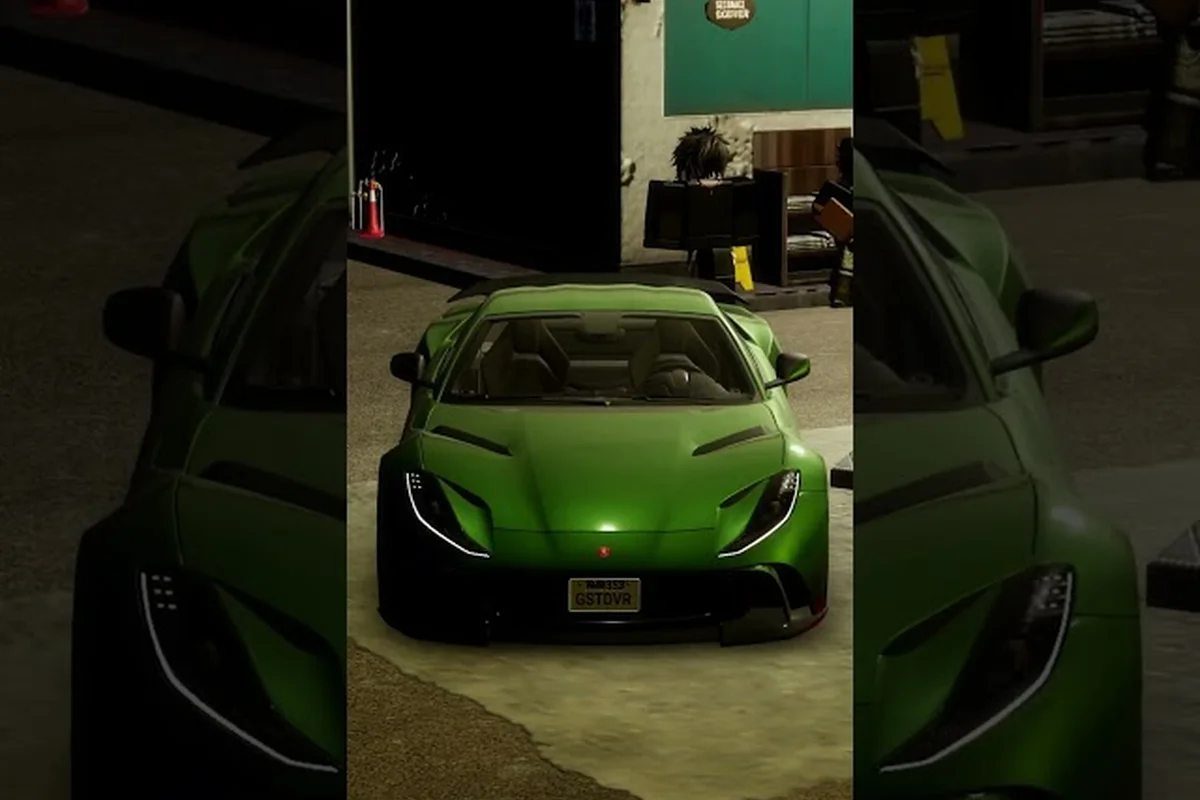
The Ghost Driver Discord is the fastest way to grab working codes, learn drift lines, and hear about updates before anyone else. Because the developer Dom runs the server personally, you get direct access to announcements, bug reports, and car reveals that rarely make it to third-party sites. If you have been hunting for a reliable community hub, this is the one worth joining.
New codes drop in the Discord first, which means players who check the server regularly save Robux and unlock vehicles earlier than the rest of the player base. The server, known as Dom's Market, sits at the center of the entire Ghost Driver ecosystem alongside the official Roblox group and the developer's X account. Whether you need help tuning a drift build or want to report a glitch, the community has a channel for it.
Why the Ghost Driver Discord Is the Primary Hub for Codes and News
The Ghost Driver Discord is not just a chat room; it is the command center for the game's most time-sensitive information. When the developer prepares a new update, the announcement typically lands in the Discord first, followed by the X account and the Roblox group. Community members then spread the word to code-list websites, but by that point, dedicated Discord users have already redeemed their rewards.
What makes the server especially valuable is its direct line to the developer. Dom, the creator behind Ghost Driver, actively participates in the community by posting previews, answering questions, and collecting feedback. This creates a feedback loop where players can suggest cars, report handling issues, and see their ideas appear in future patches. According to community reports, several vehicle tweaks in recent updates came directly from Discord suggestions.
The server also solves a common problem: finding codes that actually work. Many code-list sites publish expired or fake codes, but the Discord community maintains a running thread of verified active codes and flags expired ones quickly. That means less time typing codes that fail and more time actually driving.
Here is what you can expect to find inside the server:
-
Active and expired code lists maintained by community moderators
-
Update announcements with patch notes and vehicle reveals
-
Drift technique discussions for beginners and advanced players
-
Bug report channels where the developer can see issues directly
-
Car suggestion threads that influence future content
-
Community events like drift contests and screenshot competitions
Because the server is developer-run, the information you find there is more reliable than random YouTube comment sections or unofficial fan groups. The invite link, GZ4tjwrGUn, is promoted directly from the developer's X account, so you know you are joining the real community.
How to Join the Official Server Safely
Joining the Ghost Driver Discord takes less than a minute, but you should still follow a few steps to make sure you land in the official server rather than an impersonator. Fake servers exist in every popular Roblox game, and Ghost Driver is no exception. The safest path is to use the invite link shared by the developer on X or the official Roblox group page. Once you are inside, verify the server’s name and member count against the official invite, and if you ever need a quick reference for the community’s rules or roles, check out our full breakdown of the Ghost Driver Discord Server to confirm you’re in the right place before sharing any account details.
Step-by-Step Invite Process
The process itself is straightforward, but each step matters for your account security. Start by opening the official invite link, which should take you directly to the Dom's Market server. If the link does not work, check the developer's X profile for a fresh invite, since links occasionally expire after a large influx of new members.
Once you accept the invite, Discord may ask you to complete a quick verification step. This usually involves clicking a button to confirm you are not a bot. After that, you will land in the server's welcome channel, where you can read the rules and assign yourself roles based on your interests.
| Step | Action | What Happens Next |
|---|---|---|
| 1 | Open the official invite link | You see the server preview with member count |
| 2 | Click "Accept Invite" | Discord loads the server layout |
| 3 | Complete human verification | You gain access to public channels |
| 4 | Read the rules channel | You understand chat expectations |
| 5 | Assign your role | You unlock game-specific channels |
The verification step exists to keep the server clean from spam bots, which have become a real problem in larger Roblox communities. If you run into any issues during the process, the moderation team typically responds within a few hours.
Confirming You Joined the Official Server
Before you invest time in a server, check for a few signs that confirm you are in the official Ghost Driver Discord. The server name should be Dom's Market, and the owner should be listed as the Ghost Driver developer. The member count is usually high, often in the thousands, because the game has a substantial player base.
Another reliable indicator is the presence of the Tilted Vehicles branding, since that is the official Roblox group behind Ghost Driver. If you see channels dedicated to code sharing, drift technique, and update discussion, you are almost certainly in the right place. If a server asks for your password or Roblox login information, leave immediately, because no legitimate community will ever request those details.
Inside the Ghost Driver Discord: Channels and Culture
Once you are inside the Ghost Driver Discord, you will notice the server is organized around specific activities. The channel structure is designed so you can find what you need quickly, whether that is a working code, a drift setup, or the latest patch notes. Understanding the layout helps you get value from the server from day one.
Which Channels Are Worth Your Time
The server includes dedicated channels for different types of discussion, and knowing where to look saves you time. The code channel is where players share newly discovered codes and confirm which ones have expired. The drift discussion channel is where players compare tuning setups, share technique tips, and post clips of their best runs. The bug report channel is where you can flag issues directly to the developer.
| Channel Type | Best Used For | Typical Activity Level |
|---|---|---|
| Code sharing | Finding active codes | High, especially after updates |
| Drift technique | Tuning and driving advice | Medium, steady discussion |
| Bug reports | Reporting glitches | Spikes after new patches |
| Car suggestions | Requesting new vehicles | Medium, seasonal bursts |
| General chat | Community conversation | High, always active |
The general chat channel is where the community culture really shows. Players share screenshots of their best drift scores, discuss which cars handle best, and occasionally organize impromptu competitions. The atmosphere is generally helpful, with experienced players answering questions from newcomers without the toxicity you see in some other gaming communities.
How Roles and Events Shape the Server
Roles in the Ghost Driver Discord do more than just change your name color. Some roles grant access to private channels where the developer shares early previews or hosts testing sessions. Active community members can earn special roles through participation, which creates an incentive to contribute meaningfully rather than just lurk.
The server also hosts community events that keep the game feeling fresh between updates. Drift contests are the most common, where players submit their best runs and the community votes on winners. These events often come with in-game rewards, which gives even casual players a reason to participate. According to player experiences shared in the server, these events have become a highlight of the community calendar.
How Ghost Driver Discord Fits Into the Wider Community
The Ghost Driver Discord does not exist in isolation; it connects directly to the broader community ecosystem. Understanding these connections helps you stay informed even when you are not actively checking Discord. The developer maintains a presence across multiple platforms, and each one serves a slightly different purpose.
The Official Roblox Group and Its Role
The Tilted Vehicles Roblox group, with roughly 1.67 million members, is the official home for Ghost Driver on the Roblox platform. The group describes itself with the tagline THE MOST TILTED VEHICLES, which captures the game's focus on aggressive drift mechanics. New codes, update announcements, and car reveals are shared through the group, making it a valuable secondary source for information.
Joining the group also gives you access to group-specific features and community events that are not available to non-members. If you want to stay connected to the game's development without spending all your time on Discord, the group is a solid complement. The group page also links back to the Discord server, so you can find the invite even if you lose track of the original link.
Following the Developer on X and Other Platforms
The Ghost Driver developer maintains an active presence on X, where the account @Dom_Devv posts game previews, update teases, and shares the official Discord invite. Following this account is one of the most reliable ways to hear about new codes and upcoming updates before they spread to code-list sites. The developer also uses X to communicate with the community during major updates, answering questions and acknowledging feedback.
Beyond X, the game has a presence on YouTube and TikTok, where content creators post drift showcases, tutorial videos, and update coverage. While these platforms are not official developer channels, they amplify the community's reach and help new players discover the game. Watching a few drift tutorials on YouTube can dramatically shorten your learning curve, especially if you are struggling with the game's unique handling model.
| Platform | Primary Use | Best For |
|---|---|---|
| Discord | Codes, updates, community chat | Real-time information |
| X (Twitter) | Developer announcements | Following the developer directly |
| YouTube | Tutorials and showcases | Learning drift techniques |
| TikTok | Short clips and highlights | Quick entertainment |
| Roblox Group | Official community hub | Group events and updates |
Staying Safe and Useful in the Discord Server
Joining the Ghost Driver Discord is only the first step; getting real value from the community requires understanding how to interact effectively. The server has its own culture, and respecting it makes your experience better for everyone involved. A few simple habits will help you get answers faster and avoid common pitfalls.
Discord Etiquette That Keeps the Server Healthy
The most important rule in the Ghost Driver Discord is to search before you ask. Many common questions, like "what is the best drift car?" or "is this code expired?", have already been answered multiple times. Using the search function in the server saves everyone time and shows that you respect the community's existing knowledge base.
When you do ask a question, be specific about what you need help with. Instead of saying "my car is bad," describe your current setup, the map you are struggling with, and what specifically feels wrong. This level of detail helps experienced players give you actionable advice rather than generic tips. The community is generally welcoming to newcomers who show effort.
Avoiding Phishing Scams and Fake Invites
Scammers target popular Roblox games, and Ghost Driver is no exception. Fake Discord servers often use names similar to the official one and may even copy the channel structure to look legitimate. These servers typically try to trick players into sharing account credentials or clicking malicious links.
The safest approach is to only use the invite link from the developer's X account or the official Roblox group. If someone sends you a Discord invite in a random DM, treat it with suspicion. Legitimate community members will not message you out of the blue with links. Also, remember that no official representative will ever ask for your Roblox password, and any server that does is a scam.
Frequently Asked Questions
What is the official Ghost Driver Discord invite link?
The official Ghost Driver Discord server is called Dom's Market, and the invite link is GZ4tjwrGUn. The developer shares this link from the X account @Dom_Devv and the official Tilted Vehicles Roblox group. Always verify the source before joining to avoid fake servers.
How do I find working Ghost Driver codes on the Discord?
The code sharing channel in the Ghost Driver Discord maintains a running list of active and expired codes. Community members post new codes as they are discovered, and moderators flag expired ones quickly. Check this channel first after any update, since new codes typically drop there before appearing on external sites.
Is the Ghost Driver Discord run by the actual developer?
Yes, the Ghost Driver Discord is developer-run, with the developer Dom serving as the server owner. This direct connection means update announcements, bug reports, and car suggestions go straight to the person making the game. Community feedback shared in the server has influenced several vehicle tweaks in recent updates.
Can I report bugs or suggest cars through the Discord?
Absolutely. The Ghost Driver Discord has dedicated channels for bug reports and car suggestions. The developer actively monitors these channels and has implemented community suggestions in past updates. When reporting a bug, include your device, the map, and steps to reproduce the issue for the fastest response.
What other platforms should I follow for Ghost Driver news?
Beyond the Discord, follow the developer on X at @Dom_Devv for announcements, join the Tilted Vehicles Roblox group for community updates, and check YouTube for drift tutorials. Each platform serves a different purpose, and combining them keeps you fully informed about new codes and updates.