
Controls
Complete Ghost Driver controls — WASD, handbrake, camera, headlights and the best settings for every device.
Introduction
The Controls hub is the complete keybind and settings reference for Ghost Driver. Before you can weave through traffic, you need to know your inputs: WASD or the arrow keys to drive, Shift for the handbrake and drifting, V to switch camera and L for headlights. This hub documents every default binding, explains what each one does in practice and covers the settings that matter — camera modes, sensitivity and device-specific tips for PC, controller and mobile players. Because Ghost Driver is a precision driving game, the right control setup genuinely improves your runs: a comfortable camera and sensitivity make traffic-cutting smoother and safer. Whether you are learning the defaults or fine-tuning your setup, this is the reference you need.
Controls Quick Reference
| Key | Action | Player Tip |
|---|---|---|
| WASD / Arrows | Drive | Steer smoothly and read the flow |
| Shift | Handbrake / Drift | Tap to scrub speed into corners |
| V | Change Camera | First-person helps tight gaps |
| L | Headlights | Essential for night runs |
Control Groups
Driving Inputs
WASD or arrow keys — the foundation
Handbrake & Drift
Shift — the signature move
Camera & Lights
V and L — see the road your way
Settings & Devices
Tune the feel on every platform
Core Mechanics
Ghost Driver is controlled through a small set of inputs that cover everything you need on the road. WASD or the arrow keys steer the car, with W accelerating and S braking or reversing. Shift is the handbrake, which cuts speed and starts a drift when tapped — it is the key behind the game's signature traffic-cutting slides. V cycles the camera between third-person and first-person views, and L toggles the headlights for night runs. The game also supports controller and mobile play: controller players use the triggers for throttle and brake with a dedicated drift button, while mobile players use on-screen steering and pedals. The settings menu lets you tune camera and sensitivity so the car responds exactly the way you want, which is a real advantage in a precision driving game.
Advantages
The control scheme is simple enough to learn in minutes but precise enough for high-level play. The handbrake on Shift is a one-key drift system that makes the signature traffic-cutting moves accessible to everyone, while the camera toggle gives players who want a more immersive feel a first-person option. The small key set means you never have to hunt for a button mid-run — everything you need is under your fingers, which matters a lot at 200 MPH. Controller and mobile support also means the game is playable on every device without compromise, and the settings menu gives you real control over feel, which is more than many Roblox driving games offer.
Challenges
The main weakness of the controls is that there is no official rebinding guide, so players who want custom binds have to experiment in the settings menu themselves. The default camera can also feel disorienting at high speed until you tune it, and some players find the handbrake too sensitive on a keyboard where a long Shift press turns into a full spin. Mobile players face the classic touchscreen problem of imprecise steering, which is harder to fix with settings alone. These are minor issues, but they are the most common control complaints in the community. For most players these are small annoyances that a little practice smooths out, but they are worth knowing before you commit to a setup. The lack of an official rebinding guide means you will have to experiment in the settings menu yourself, and the camera can take a few runs to get used to at high speed.
Frequently Asked Questions
What are all the controls in Ghost Driver?+
How do I switch to first-person in Ghost Driver?+
Does Ghost Driver support controller and mobile?+
Quick Tips
Tune your camera and sensitivity before you judge the game. The default camera can feel twitchy at high speed, and a small sensitivity adjustment makes steering noticeably smoother. Ten minutes in the settings menu can improve your runs more than an hour of practice with the wrong feel. Tune your camera and sensitivity before you judge the game. The default camera can feel twitchy at high speed, and a small sensitivity adjustment makes steering noticeably smoother. Test each setting on the same stretch of road so you can actually compare the feel, and ten minutes in the settings menu can improve your runs more than an hour of practice with the wrong feel.
Use first-person for tight traffic gaps. Third-person gives great awareness, but first-person changes how you judge distance and many players find cutting through narrow gaps easier from inside the car. Switch back to third-person for open highway and duels. Use first-person for tight traffic gaps. Third-person gives great awareness, but first-person changes how you judge distance and many players find cutting through narrow gaps easier from inside the car. Once you find a camera you trust, stop switching — consistency builds the muscle memory that makes fast driving automatic.
Memorise the four core keys — WASD, Shift, V and L — until they are automatic. At 200 MPH there is no time to look down at the keyboard, and the players who survive dense traffic are the ones whose inputs happen without thinking. Memorise the four core keys — WASD, Shift, V and L — until they are automatic. At 200 MPH there is no time to look down at the keyboard, and the players who survive dense traffic are the ones whose inputs happen without thinking. The four core keys are the same on every device, so the skills transfer if you ever switch platforms.
Featured
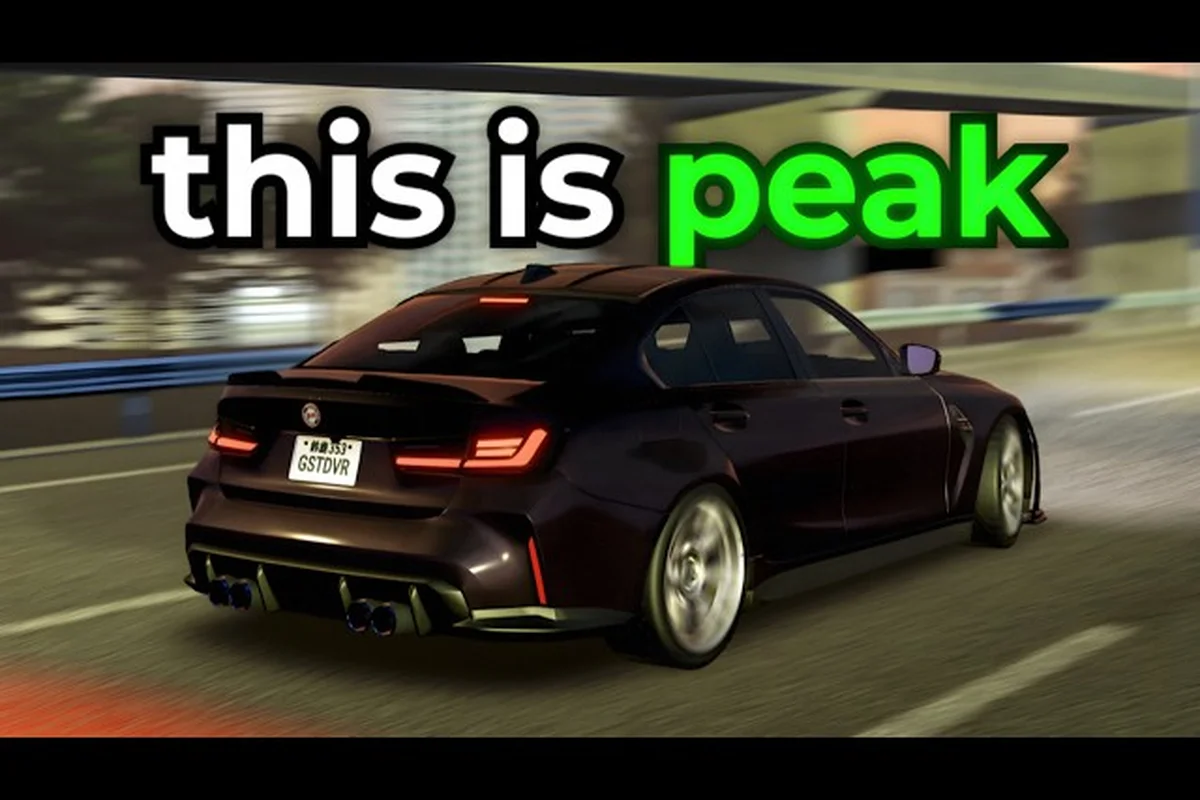
Ghost Driver Controls Guide: Key Bindings and Camera
Master Ghost Driver controls with this guide. Learn key bindings, camera switching, and first person view to weave through traffic with precision.
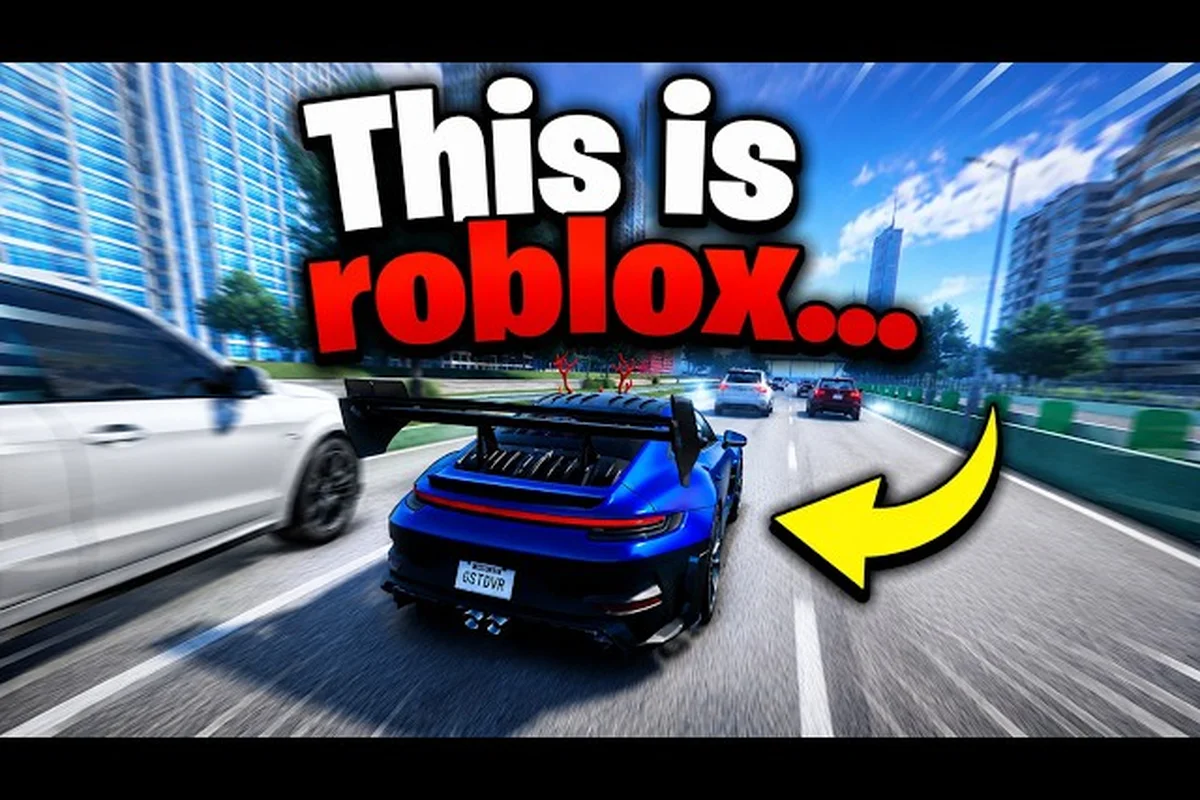
Ghost Driver Keyboard Controls: Full List and Settings
Get the full Ghost Driver keyboard controls list, from WASD to camera settings. Learn headlight keys and graphics options for a better driving experience.
Ghost Driver Handbrake Key: Default Binding and Drift Tips
Find the Ghost Driver handbrake key and default bindings. Learn how to use it for drifts, plus mobile and controller support for smoother slides.
All Articles
Ghost Driver PC Controls: Settings for Drift Precision
Tune Ghost Driver PC controls with sensitivity, steering, and brake settings. Learn optimal keybinds for throttle control and sharper highway weaving.
Ghost Driver PlayStation Controls: Full Keybind Guide
Get the complete Ghost Driver PlayStation controls layout, from steering to headlights and the V camera. Map keybinds for precise traffic cutting.
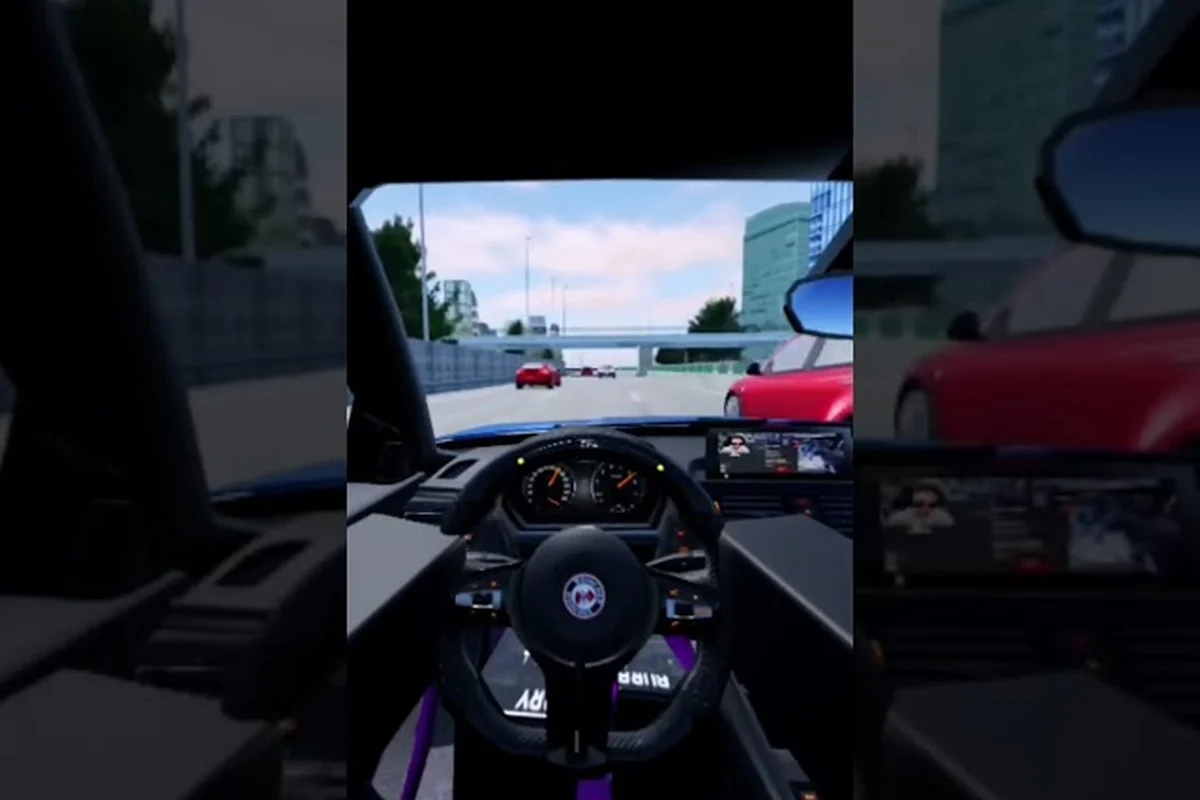
Ghost Driver Third Person: Best Camera View for Highway Cuts
Master Ghost Driver third person to read traffic and drift with precision. Compare camera angles, adjust settings, and learn when to switch views.