
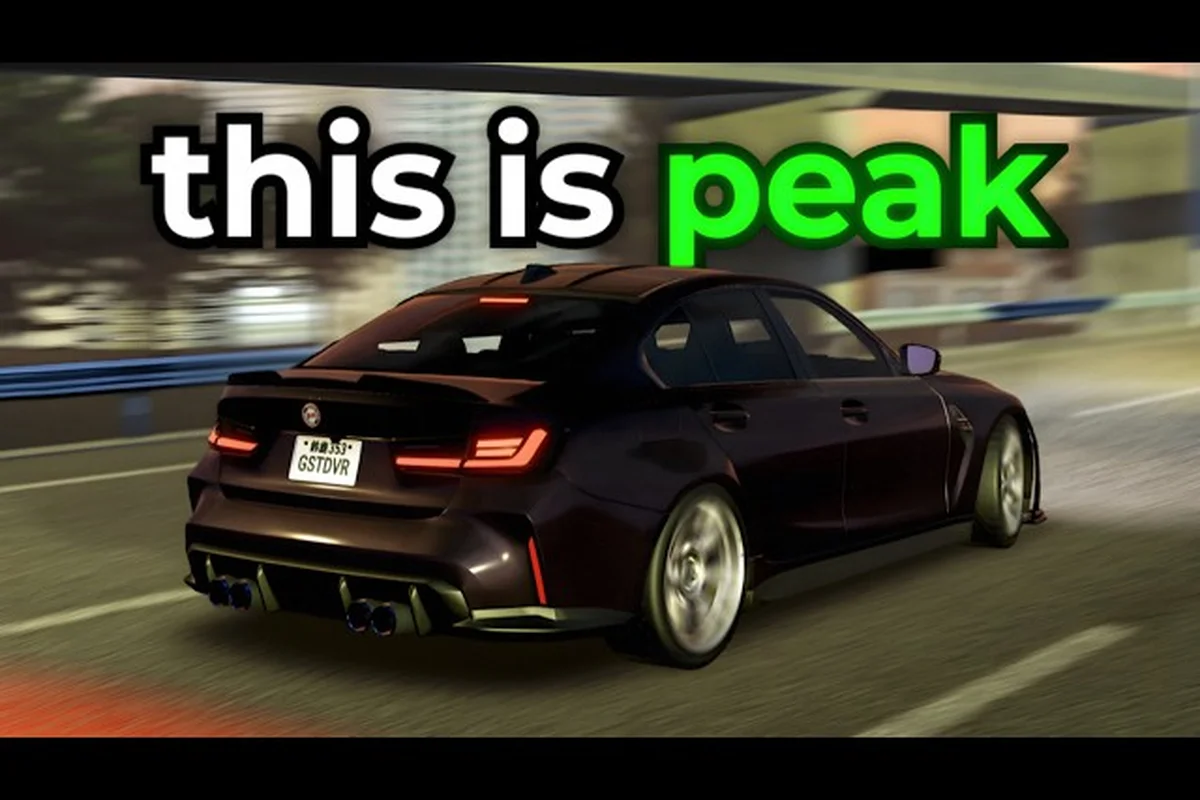
Ghost Driver PC controls are the difference between clipping a bumper at 180 mph and threading a needle between two semi-trucks. The pre-alpha Roblox experience by Tilted Vehicles has already drawn over 901,000 visits since its May 2026 launch, and the players who survive the highway chaos aren't the ones with the fastest reactions — they're the ones who tuned their ghost driver settings before the engine even turned over. Because the game runs on Roblox's default input pipeline, small adjustments to sensitivity and keybinds can dramatically change how your car responds to steering input, brake pressure, and throttle modulation. This guide breaks down every control binding, explains how to optimize ghost driver sensitivity for drift-heavy runs, and shows you exactly which settings matter most when you're weaving through traffic at redline speeds. Whether you're fighting the default camera or struggling to hold a slide through a tight gap, the tuning advice here comes straight from verified game data and community testing reports.
Default PC Control Layout and Input Mapping
The official Ghost Driver game page lists the core bindings clearly, but understanding why each key does what it does matters more than memorizing the layout. The default scheme uses WASD or Arrow Keys for movement, V to toggle the camera between chase view and first person, Shift for the handbrake and drift initiation, and L for headlights. That's the complete list — there are no separate brake and throttle keys because Roblox vehicle physics tie both functions to the vertical axis of your movement keys.
| Action | Default Key | Function | Notes |
|---|---|---|---|
| Accelerate | W / Up Arrow | Throttle input | Hold for full power |
| Brake / Reverse | S / Down Arrow | Brake pressure | Tap for weight transfer |
| Steer Left | A / Left Arrow | Steering input | Hold for full lock |
| Steer Right | D / Right Arrow | Steering input | Hold for full lock |
| Handbrake / Drift | Shift | Drift initiation | Hold to break traction |
| Camera Toggle | V | Chase / First Person | Instant switch |
| Headlights | L | Night visibility | Toggle on/off |
The Shift handbrake binding is the most important control in the entire game because it directly triggers the drift mechanic. Unlike the brake key, which slows the car through wheel friction, Shift cuts rear traction entirely, allowing the car to rotate around its front wheels. Community reports from the first month of play suggest that players who master the Shift-to-steer transition can cut their gap-entry time by nearly half compared to brake-only approaches. The V camera toggle matters almost as much, because switching to first person changes your visual reference points for judging distances — a critical factor when you're deciding whether to commit to a gap between two moving vehicles.
Steering Response and Ghost Driver Sensitivity Tuning
Ghost driver sensitivity isn't a single slider — it's a combination of how your keyboard registers input, how the game's vehicle physics translate that input into steering angle, and how quickly the camera follows your car's rotation. Because Roblox doesn't expose granular steering sensitivity options in the base settings menu, most of your tuning happens through understanding the game's physics response curve and adapting your input style accordingly. Because Roblox doesn't expose granular steering sensitivity options in the base settings menu, most of your tuning happens through understanding the game's physics response curve and adapting your input style accordingly, though if you're switching over from a controller, you'll find that the analog stick's travel distance changes how aggressively you need to counter-steer—a nuance we break down in our Ghost Driver Playstation Controls guide.
Keyboard Input Behavior and Steering Rate
The default steering rate in Ghost Driver feels twitchy to new players because the game applies nearly full steering lock almost instantly when you tap A or D. This is actually a deliberate design choice for traffic cutting — the faster your steering responds, the quicker you can change lanes between obstacles. However, that same responsiveness becomes a liability when you're trying to hold a precise line through a narrow gap, because a single over-tap sends your front wheels into full lock and pushes the car into an unintended turn.
| Input Style | Steering Behavior | Best Use Case |
|---|---|---|
| Tap (quick press) | Full lock applied instantly | Sharp lane changes |
| Feather (short hold) | Partial steering angle | Gap alignment |
| Counter-steer (opposite tap) | Corrects oversteer | Drift recovery |
| Hold (sustained press) | Continuous turning | Highway curves |
The feather technique — pressing A or D for just a fraction of a second rather than holding it — gives you the most control over steering angle because it lets the car's momentum carry the turn rather than forcing full lock. Players who practice feathering report much smoother line adjustments through traffic, because the car maintains more of its forward velocity while changing direction. The counter-steer tap becomes essential once you start drifting, because Shift-induced oversteer requires an opposite steering input to catch the slide before it becomes a spinout.
Sensitivity Adjustments Through Camera Positioning
While you can't adjust raw steering sensitivity in the settings menu, you can effectively change how sensitive your steering feels by adjusting your camera position. The chase camera in Ghost Driver sits behind and above the car, which gives you a wide field of view but makes steering inputs feel less dramatic because you're seeing the car from a distance. First person view, by contrast, makes every steering correction feel amplified because your visual reference is locked to the car's hood.
Players who want finer steering control should practice in first person view, because the closer perspective forces you to make smaller, more deliberate inputs. The trade-off is reduced situational awareness — you can't see traffic approaching from the sides as easily, which makes gap reading harder. Most experienced players switch between views depending on the situation, using chase view to scan the highway ahead and first person for precision maneuvers through tight gaps.
Brake and Throttle Control for Traffic Weaving
Ghost driver brakes and throttle work together as a single system, because both functions share the same vertical input axis. This creates a unique challenge: you can't brake and accelerate simultaneously, and the transition between the two requires deliberate input management. The S key brake applies friction to all four wheels, slowing the car predictably, while the Shift handbrake locks the rear wheels and initiates a slide. Knowing which brake to use in which situation is the core skill of Ghost Driver PC controls.
| Situation | Brake Type | Why It Works |
|---|---|---|
| Approaching a tight gap | Tap S briefly | Reduces speed without losing grip |
| Avoiding rear-end collision | Hold S | Maximum braking force |
| Initiating a drift | Tap Shift | Breaks rear traction |
| Correcting an oversteer slide | Tap S + counter-steer | Regains control |
| Sharp 90-degree lane change | Shift + full steering | Rotates car quickly |
The brake-throttle transition is where most players lose time. When you release S and press W to accelerate again, the car takes a moment to respond because the engine needs to spool back up. Players who anticipate this delay and begin accelerating slightly before they reach the gap maintain more momentum through the opening. Community testing suggests that early throttle application — pressing W a fraction of a second before you clear the obstacle — can improve exit speed by up to 15 percent in certain gap configurations.
Throttle Modulation for Drift Exit
Throttle control during a drift exit is arguably more important than the drift initiation itself. When you release Shift to end a slide, the car's rear wheels regain traction, and if you're still holding full throttle, the sudden grip can cause the car to snap in the opposite direction. The solution is to feather the throttle — release W briefly as you release Shift, then reapply power once the car stabilizes.
This technique requires practice because the timing window is tight, but the payoff is significant. Players who master throttle feathering can chain multiple drifts through consecutive gaps without losing speed, while players who keep the throttle pinned often spin out on the exit. The W key throttle control is therefore not just about going fast — it's about managing the car's weight transfer and traction state through every phase of the maneuver.
Optimizing Ghost Driver Settings for Drift Precision
The best ghost driver settings for drift precision aren't found in a menu — they're built through deliberate practice and input refinement. Because the game is in pre-alpha, the settings menu is minimal, and the developer has not yet added custom keybinding or sensitivity sliders. That means your optimization strategy must focus on how you interact with the existing controls rather than what you can change in the options screen.
Camera View Selection for Drift Lines
Your choice between chase view and first person directly affects your drift precision, because each view provides different visual cues for judging the car's rotation. The chase view shows the car's body angle relative to the road, making it easier to see when the car is sliding sideways. The first person view shows only the hood and the road ahead, which makes it harder to read the car's rotation but provides a more immersive sense of speed.
| Camera View | Drift Advantage | Drift Disadvantage |
|---|---|---|
| Chase View | See car body angle | Distance reduces precision |
| First Person | Immersive speed sense | Harder to read rotation |
| Chase + V toggle | Switch for gap entry | Requires timing |
| First Person + V toggle | Precision through gaps | Limited awareness |
The V key camera toggle becomes your most powerful tool when you learn to switch views mid-drift. Many experienced players use chase view to initiate the drift and read the car's initial rotation, then switch to first person as they approach the gap exit to fine-tune their line. This hybrid approach gives you the best of both views, though it requires practice to execute smoothly.
Night Driving and Headlight Settings
The L key headlights become critical when the game's day-night cycle shifts to darkness, because reduced visibility makes gap reading significantly harder. Players who leave their headlights off at night report misjudging distances and clipping vehicles they never saw approaching. The headlights don't change your car's handling, but they change your ability to see the road ahead, which indirectly affects your control precision.
For night driving, consider switching to first person view more often, because the headlights project forward from the car and give you a clearer view of the immediate road surface. The chase camera at night shows the car from behind, and the headlights illuminate the road ahead but from a distance, making it harder to judge exact distances to obstacles.
Combining PC Inputs for High-Speed Traffic Cutting
Once you've mastered the basic ghost driver pc controls, the next step is combining them into advanced techniques that let you cut through highway traffic with confidence. These techniques require precise timing and input coordination, but they transform your driving from reactive to proactive.
The Brake-Tap Gap Entry
The brake-tap gap entry is the foundation of safe traffic cutting. As you approach a gap between two vehicles, tap S briefly to shed speed, then immediately reapply throttle and steer into the opening. The key is the timing of the brake tap — too early and you lose too much speed, too late and you don't slow enough to make the gap safely.
Practice this technique in the open highway sections first, where there's less traffic, then gradually apply it to denser traffic areas. The goal is to develop a feel for how much speed you need to shed for different gap sizes, which comes only through repetition.
Shift-Feather Drift Chaining
The shift-feather drift chain is an advanced technique that links multiple drifts together through consecutive gaps. Initiate a drift with Shift, steer through the first gap, then as you approach the second gap, feather the throttle and counter-steer to catch the slide before initiating another drift with Shift.
This technique requires precise throttle and steering coordination, because each drift exit sets up the next drift entry. Players who master drift chaining can maintain high speed through dense traffic sections while other players are forced to brake heavily between gaps.
Frequently Asked Questions
What is the best ghost driver pc controls setup for beginners?
Start with the default layout: WASD for movement, Shift for handbrake, V for camera, and L for headlights. Focus on mastering the brake-tap gap entry before attempting drifts. Practice in first person view to develop finer steering control, then switch to chase view once you're comfortable reading traffic gaps.
How do I reduce ghost driver sensitivity for smoother steering?
Since the game doesn't have a sensitivity slider, use the feather technique — tap A or D briefly instead of holding them. This applies partial steering angle rather than full lock, giving you finer control. Switching to first person view also makes steering feel more responsive because your visual reference is closer to the car.
Why does my car spin out when I release the handbrake?
Spinning out on handbrake release happens when you're holding full throttle as the rear wheels regain traction. Release W briefly as you release Shift, then reapply throttle once the car stabilizes. This throttle feathering technique prevents the sudden grip snap that causes spinouts.
Can I rebind the Ghost Driver controls on PC?
Currently, Ghost Driver does not offer custom keybinding options in its pre-alpha settings menu. You can only use the default layout: WASD or Arrow Keys for driving, Shift for handbrake, V for camera, and L for headlights. The developer may add rebinding options in future updates based on community feedback.
Does the camera view affect drift control?
Yes, significantly. Chase view lets you see the car's body angle, making it easier to read drift rotation, while first person view provides a more immersive speed sense but makes rotation harder to judge. Many experienced players toggle between views using V, using chase view to initiate drifts and first person for precision gap exits.